
Import a text file
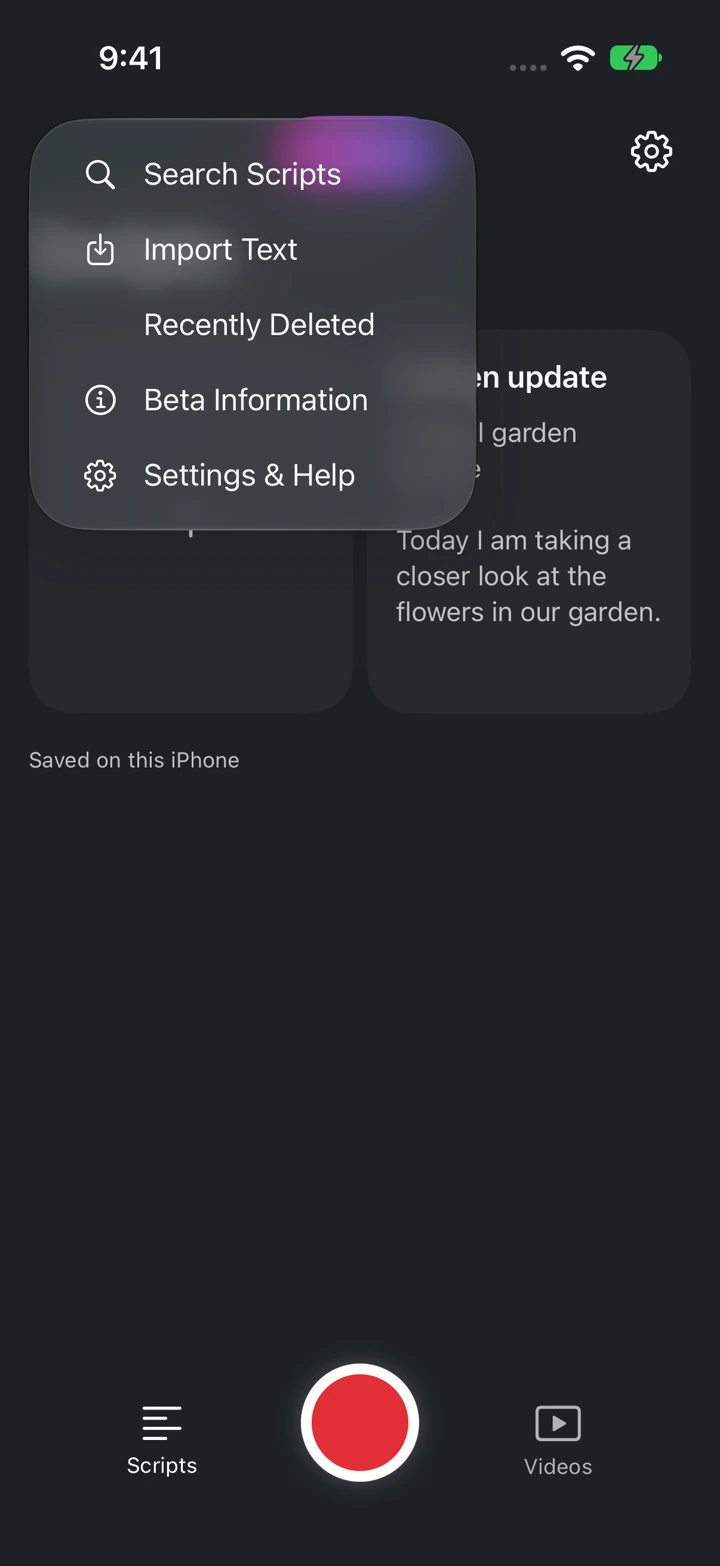
- In Scripts, open the Edit menu and choose Import Text.
Choose and check the text file
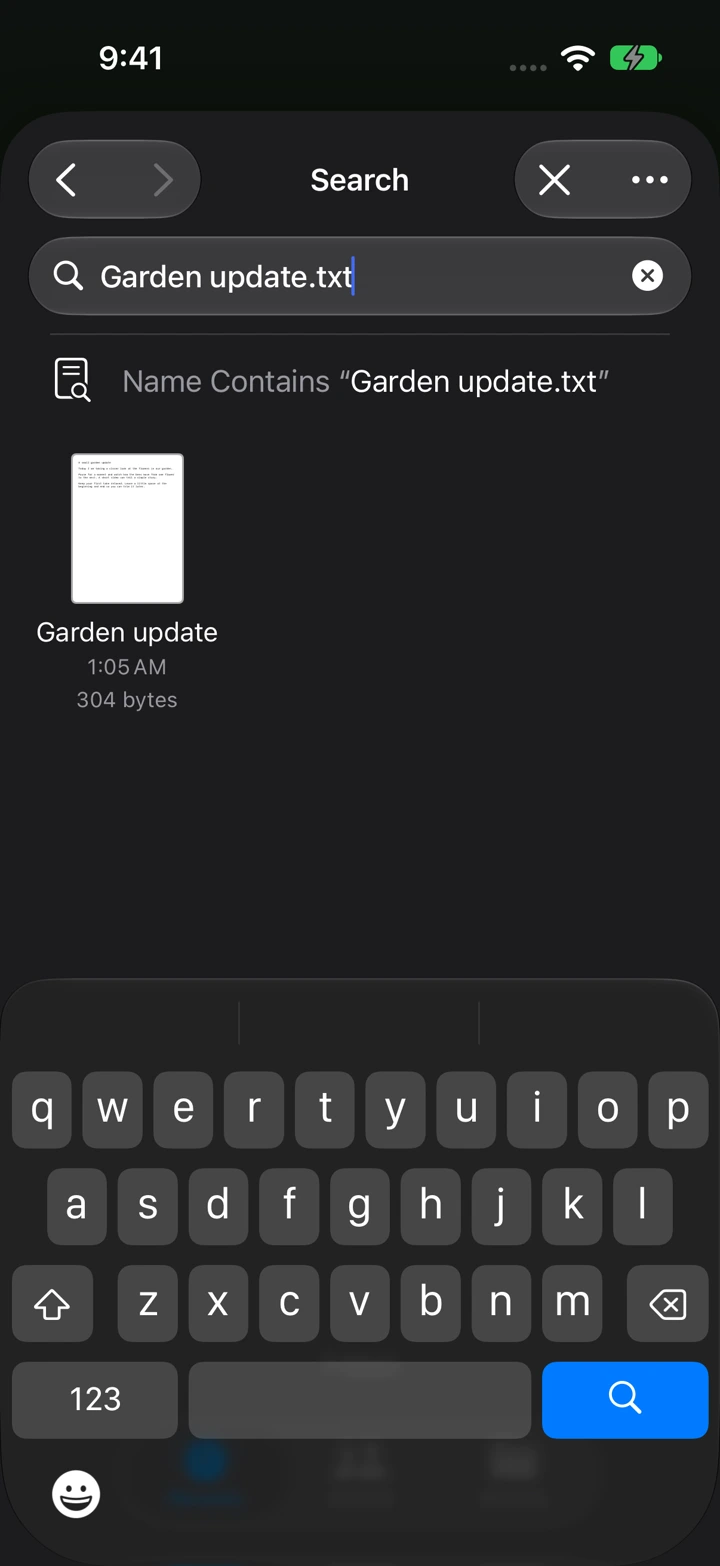
- Choose a plain-text (.txt) file in the iPhone file picker.
- Open the imported script and check its title, paragraph breaks, and saved status.
PDF and Word documents are not imported directly. Copy their text into a script, or save a plain-text version first.
Find or duplicate a script
Choose Search Scripts in the Edit menu to find a script. Touch and hold a script tile, then choose Duplicate to keep a separate draft.
Recover a deleted script
Deleting a script moves it to Recently Deleted. Open that section from the Edit menu and restore the script you want to keep. Permanently deleting it there cannot be undone.