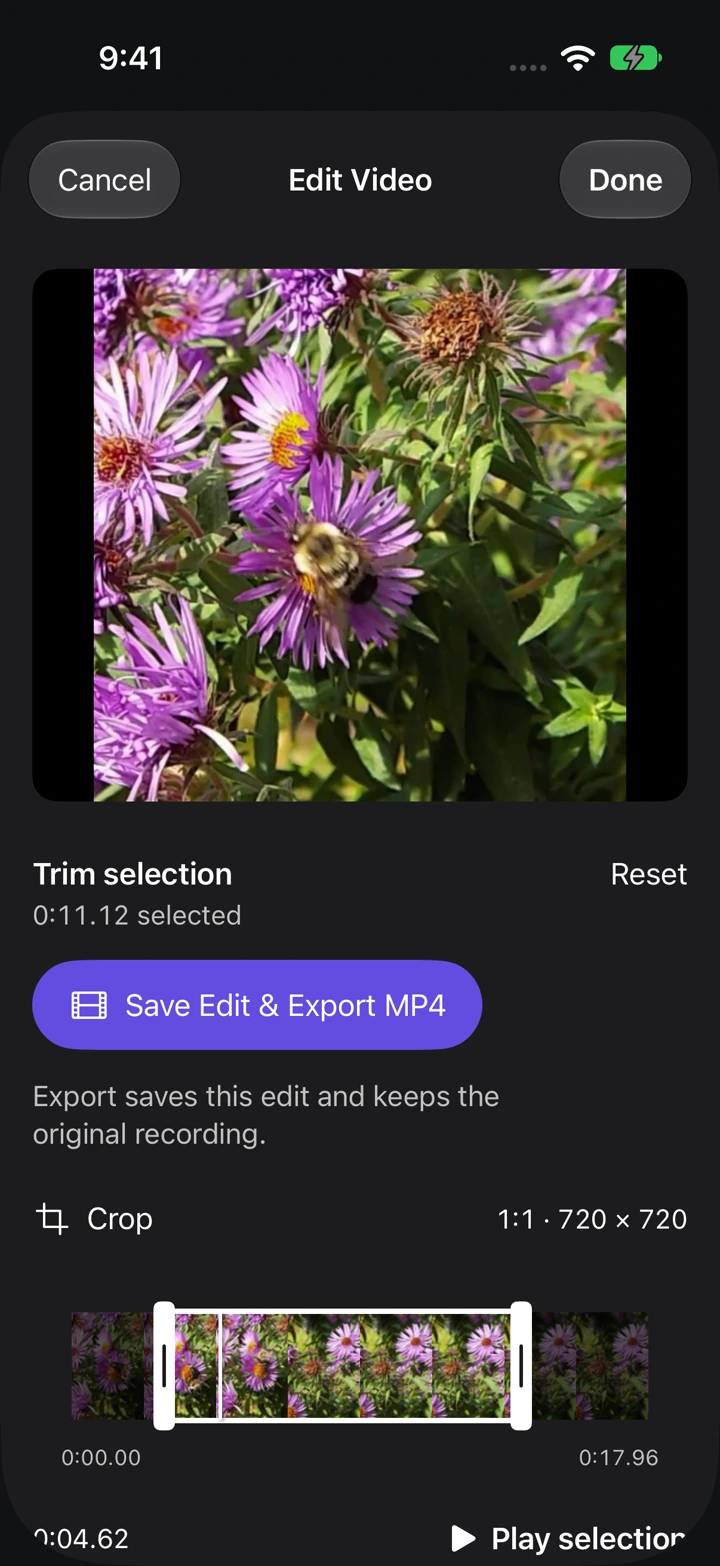
Choose the part to keep
- Open Videos, play a recording, and choose Edit Video.
- Drag the start and end handles on the timeline to shorten the selection.
- Use Play selection to check the cut. Reset restores the full time range.
Adjust the frame
Open Crop and choose a frame shape. Move the frame or use Horizontal position and Vertical position to keep the subject inside it. Choose Custom to adjust the crop corners, then tap Done to apply it.
Save the edit
Tap Done to save your edit. The original recording remains in the library, so trimming and cropping do not replace it.
Export MP4 prepares a separate video using the saved trim and crop. If you have unsaved changes, the button reads Save Edit & Export MP4. Export requires Pro.